 BEATROX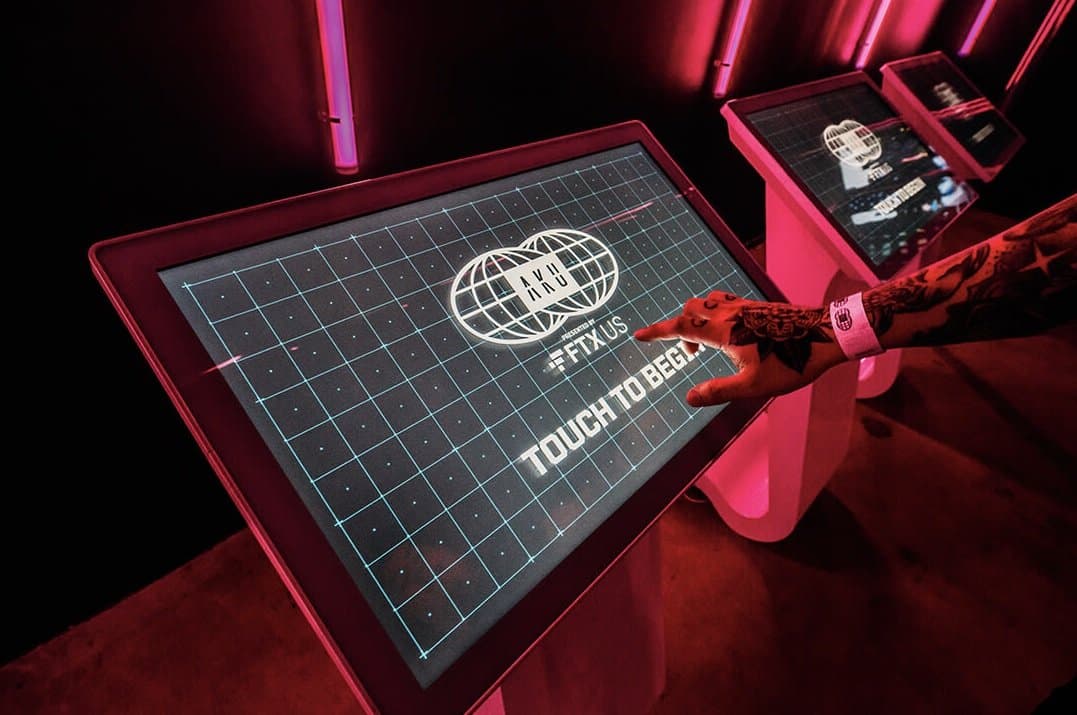
Tech Capability
Interactive UI / UX Design
Interfaces designed for crowds, not desks: touch, motion, and sensor experiences that guests understand in seconds and remember for years.
Capabilities
Design
- Touchscreen & Kiosk UI Design
- Gesture & Motion Interfaces
- UX Flows for High-Traffic Environments
- Sensor-Driven Interaction Design
- Prototyping in Figma
- On-Brand Visual Interface Design
- Multi-User Interaction Systems
- Usability Testing with Real Guests
Technologies
- Figma
- React
- TouchDesigner
- Electron
What is Interactive UI / UX Design?
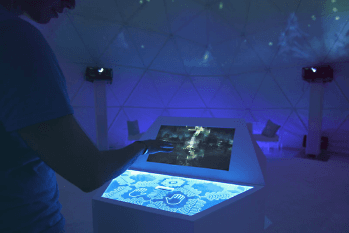
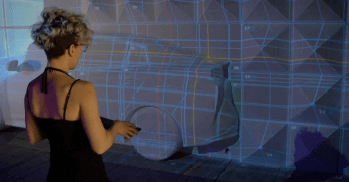
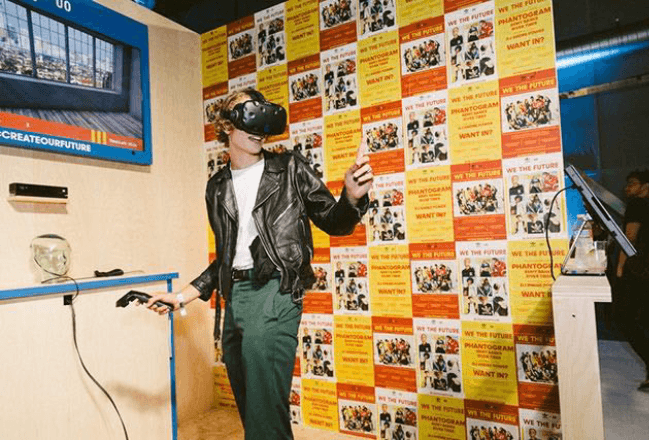
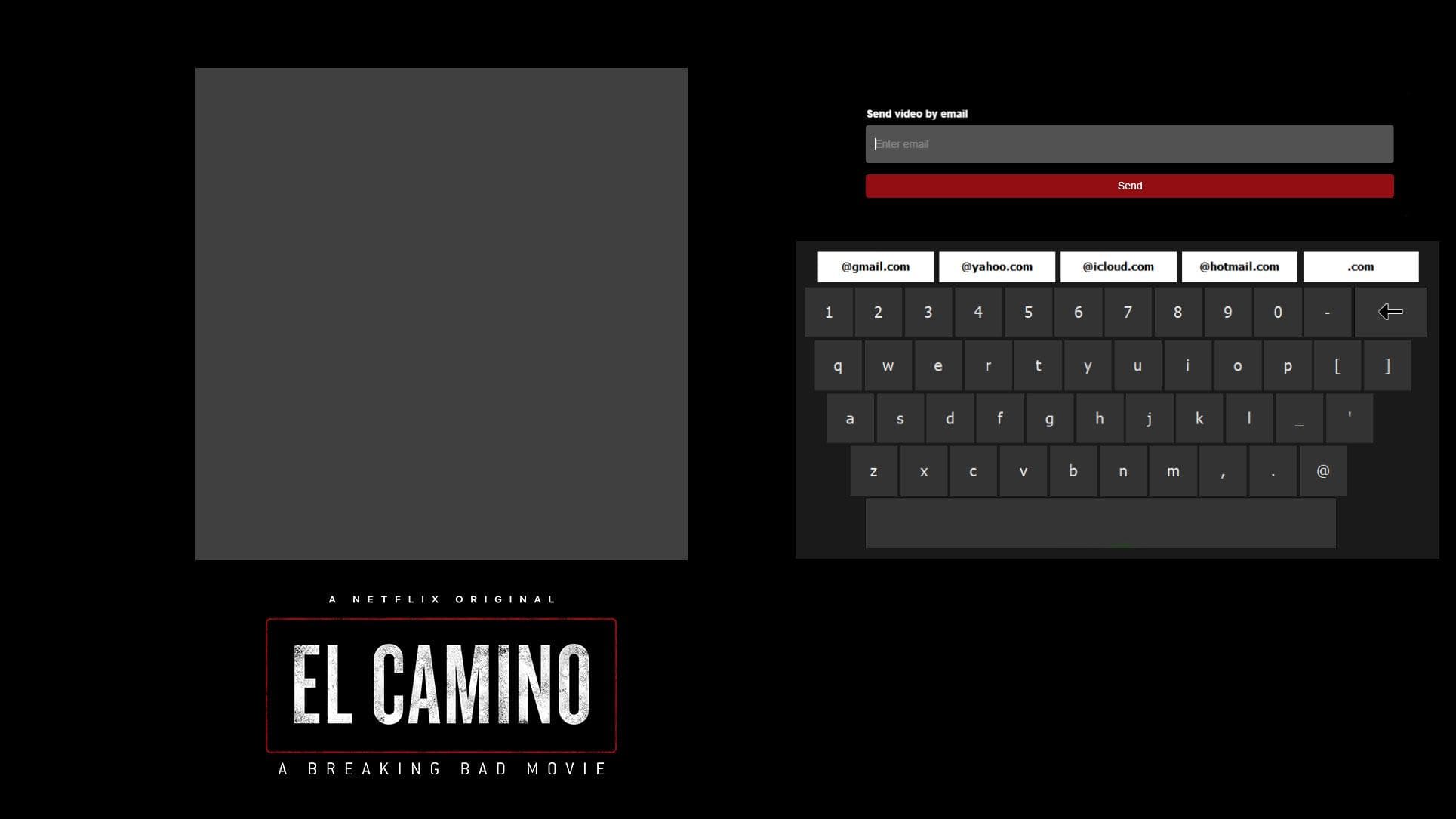
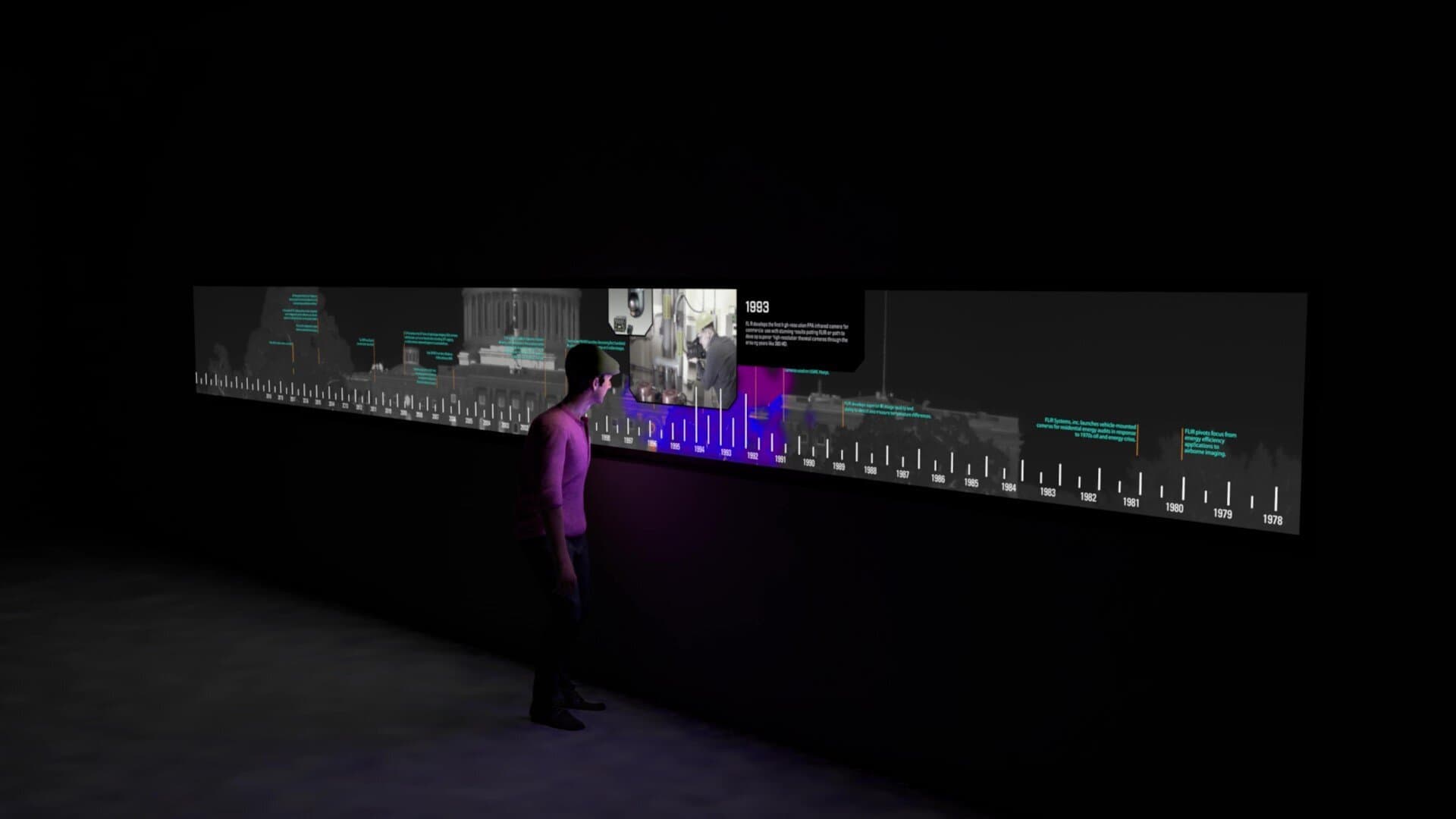
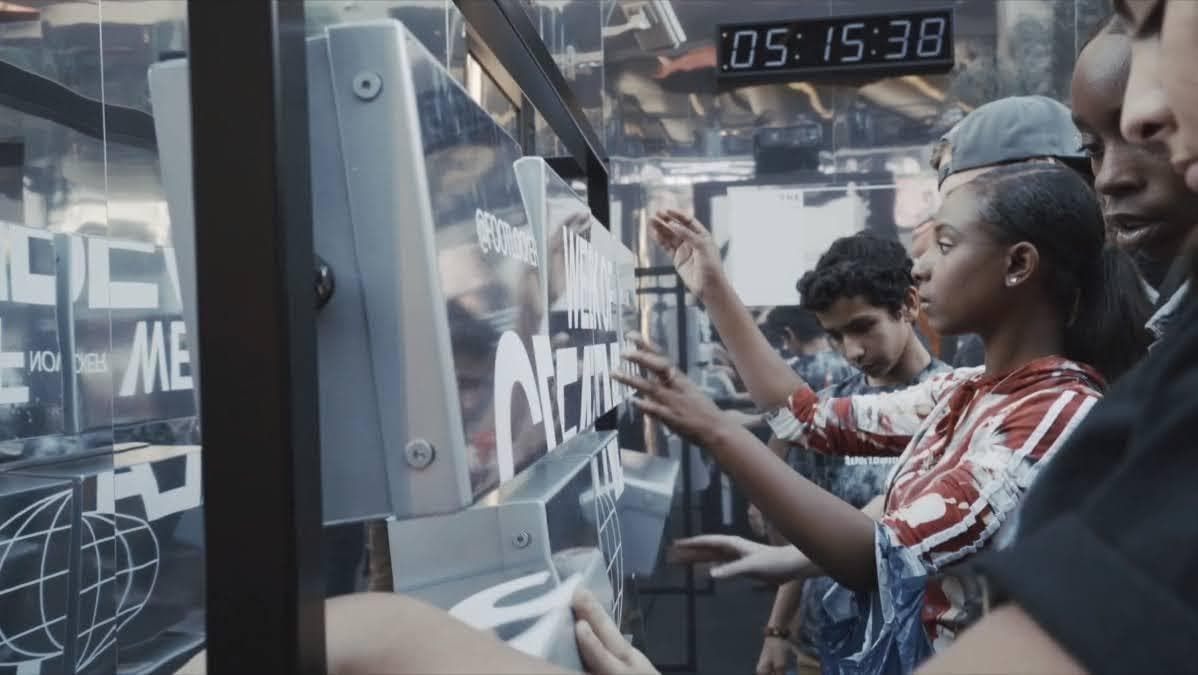
Interactive UI/UX design for events is a different discipline from app or web design: one our Portland, Oregon team practices on kiosks, installations, and brand experiences nationwide. Your 'user' is a guest walking through a loud, crowded space with seconds of attention to spare. The interface might be a touchscreen kiosk, a motion-tracked wall, or a display that reacts to people simply passing by. Design has to work at walking speed, with zero instructions. You need this service whenever people will touch, move, or gesture to control content: interactive kiosks, AR mirrors, timeline walls, product explorers, or gamified brand moments. The stakes are high. A confusing interface doesn't just frustrate one user, it creates a visible crowd of confused guests in the middle of your event. Great experiential UX is invisible. Guests should never wonder what to do next; the interface should invite, respond, and reward in a loop that feels natural the first time, because at a live event, the first time is usually the only time.
Common Applications
What BEATROX Provides
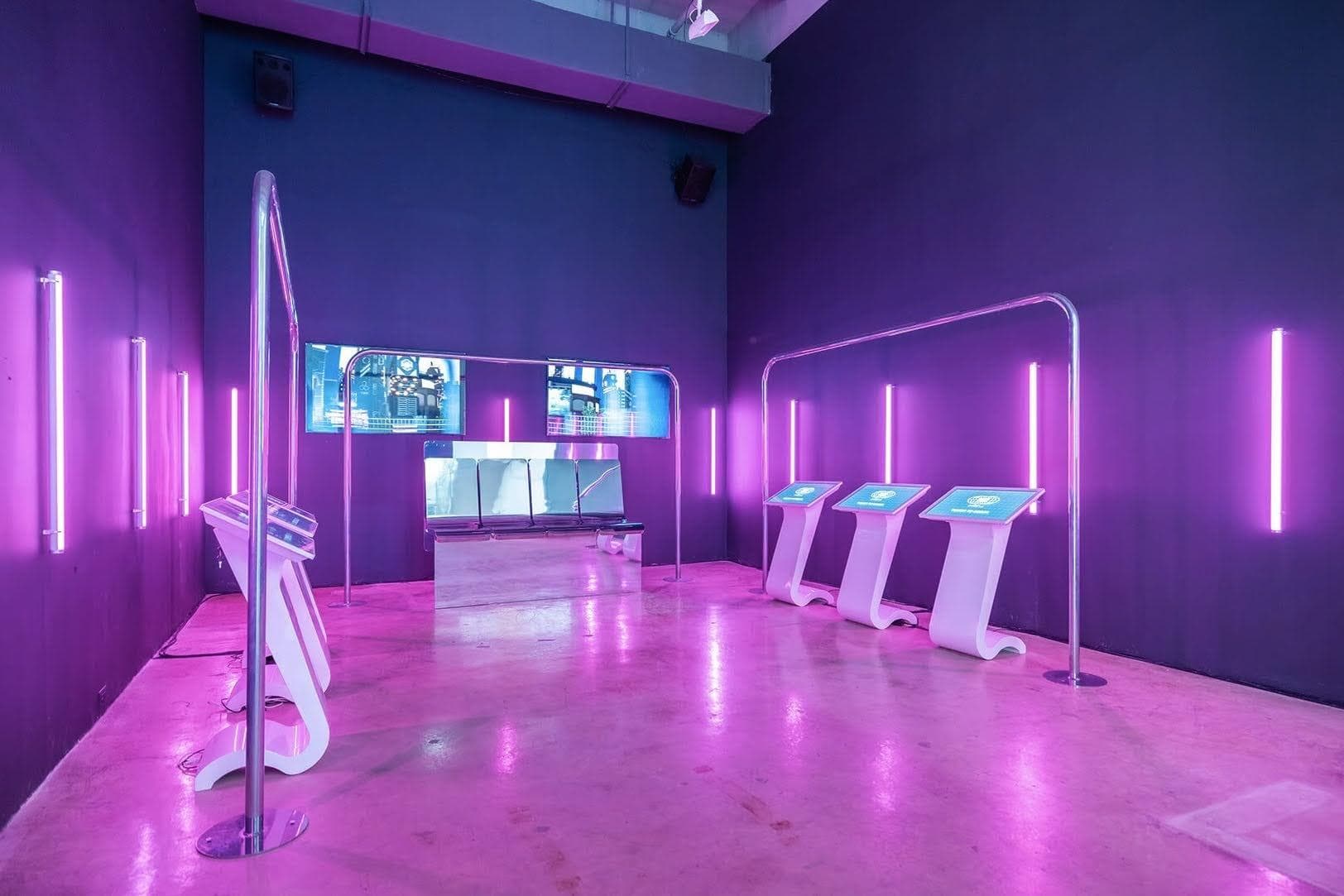
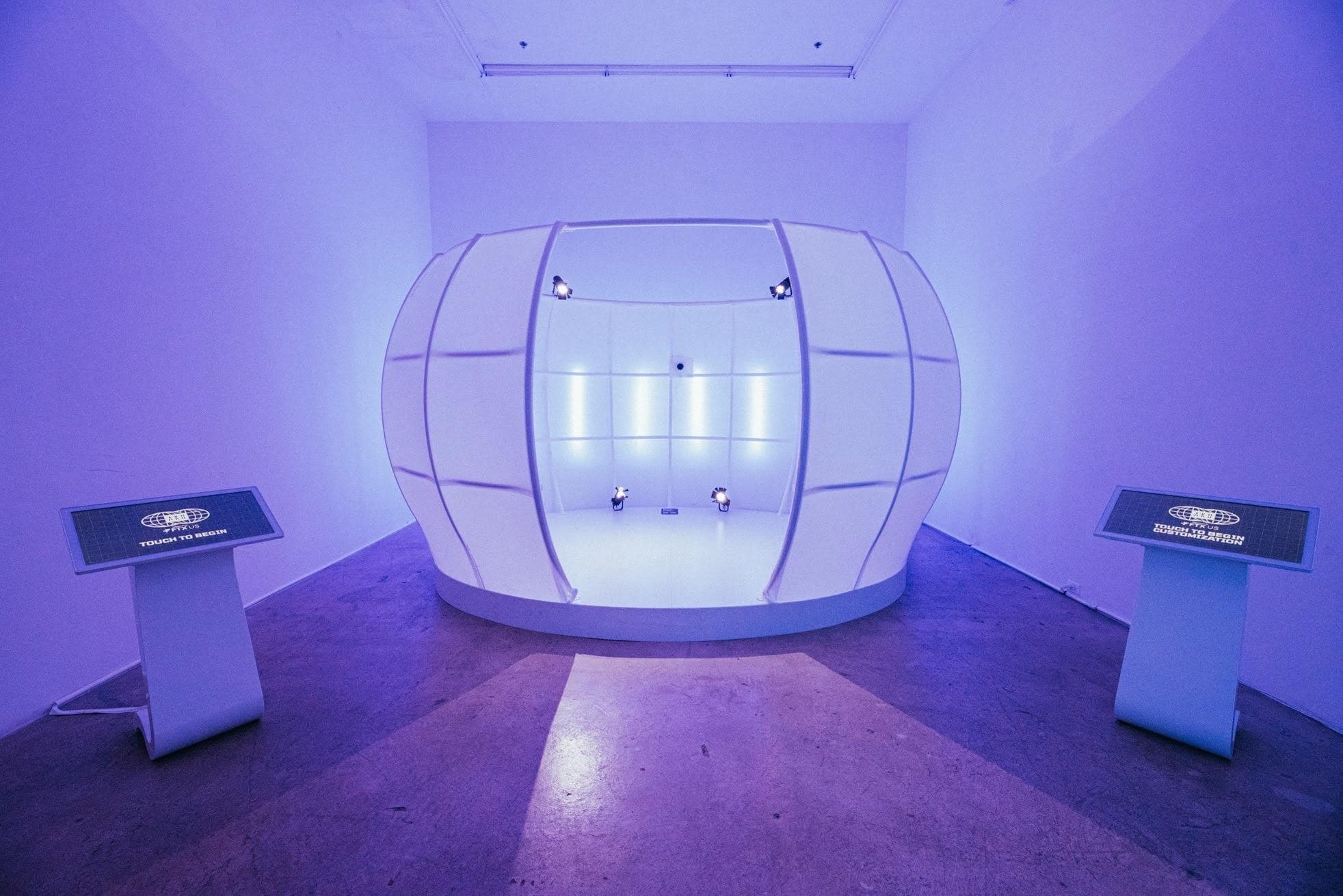
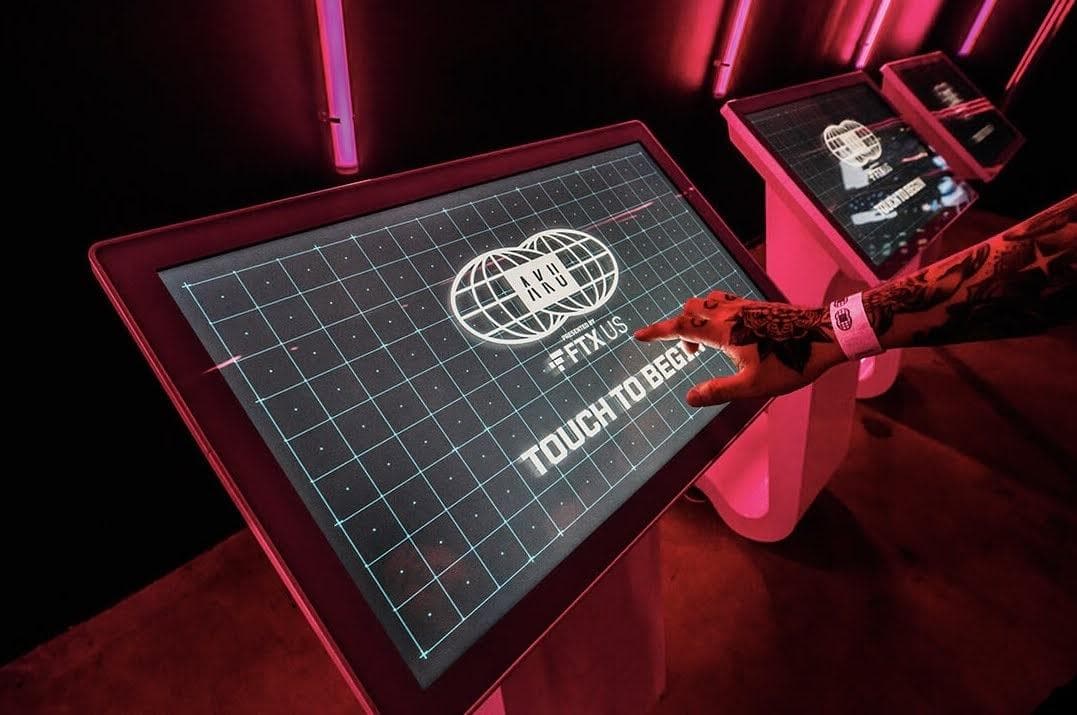
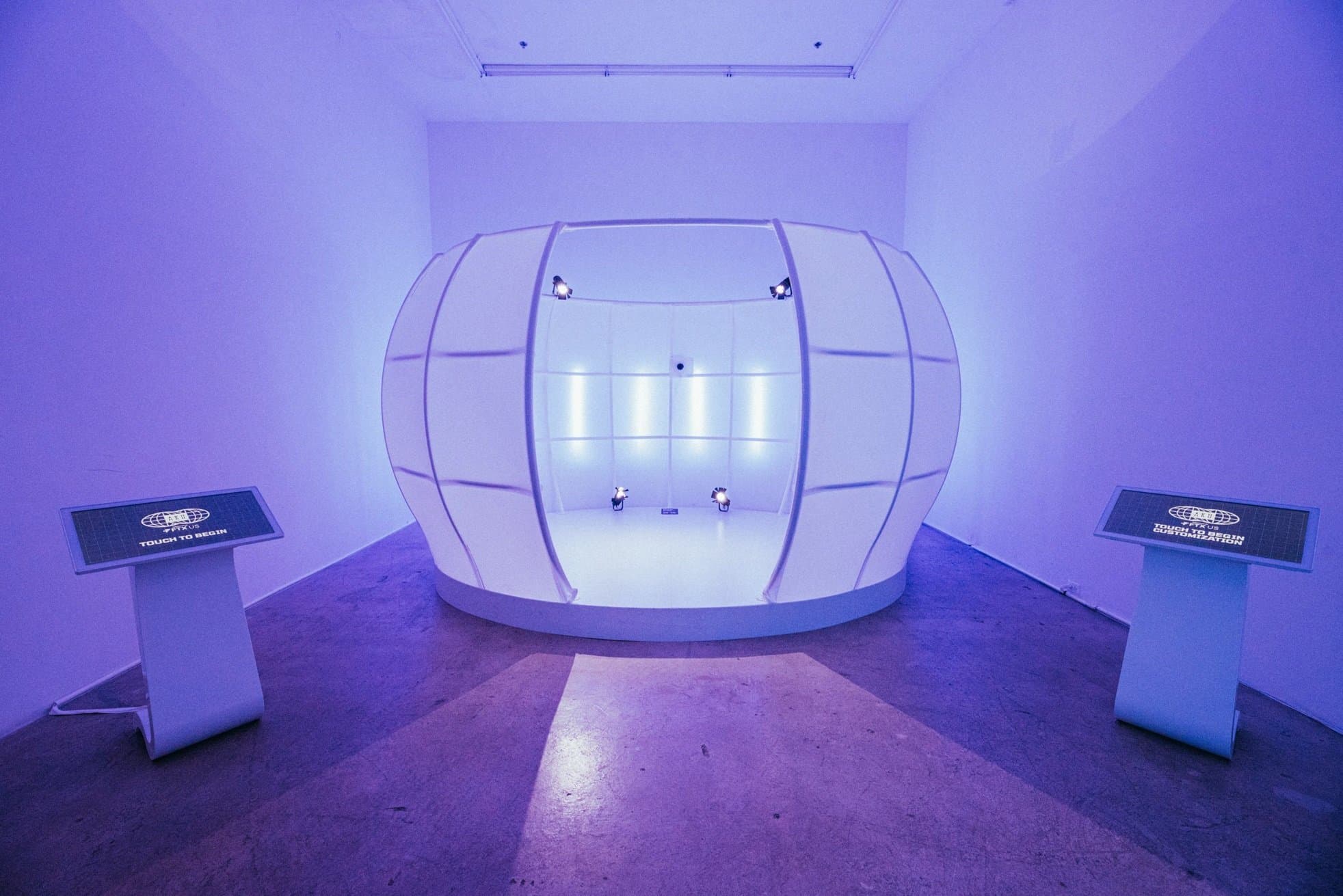
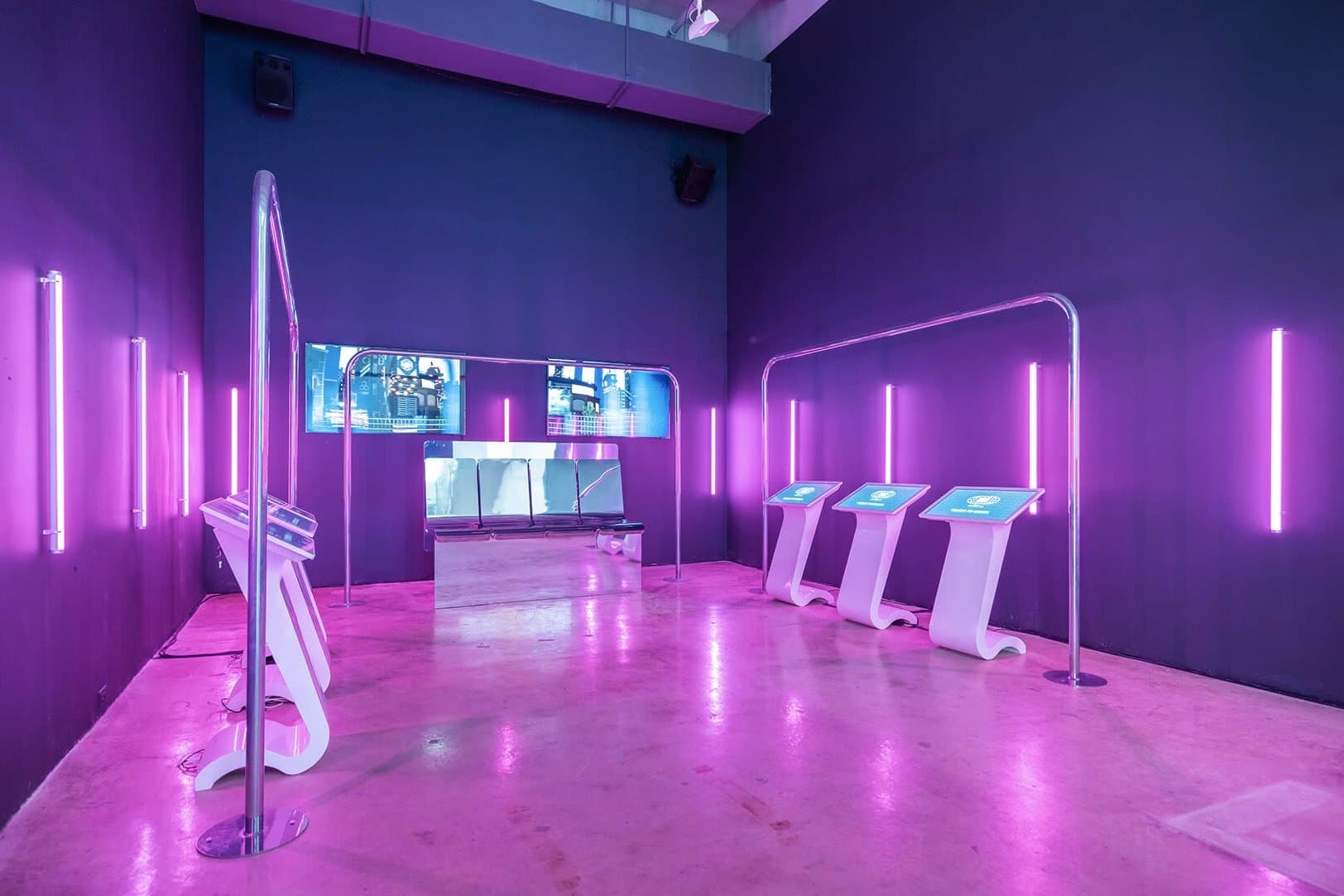
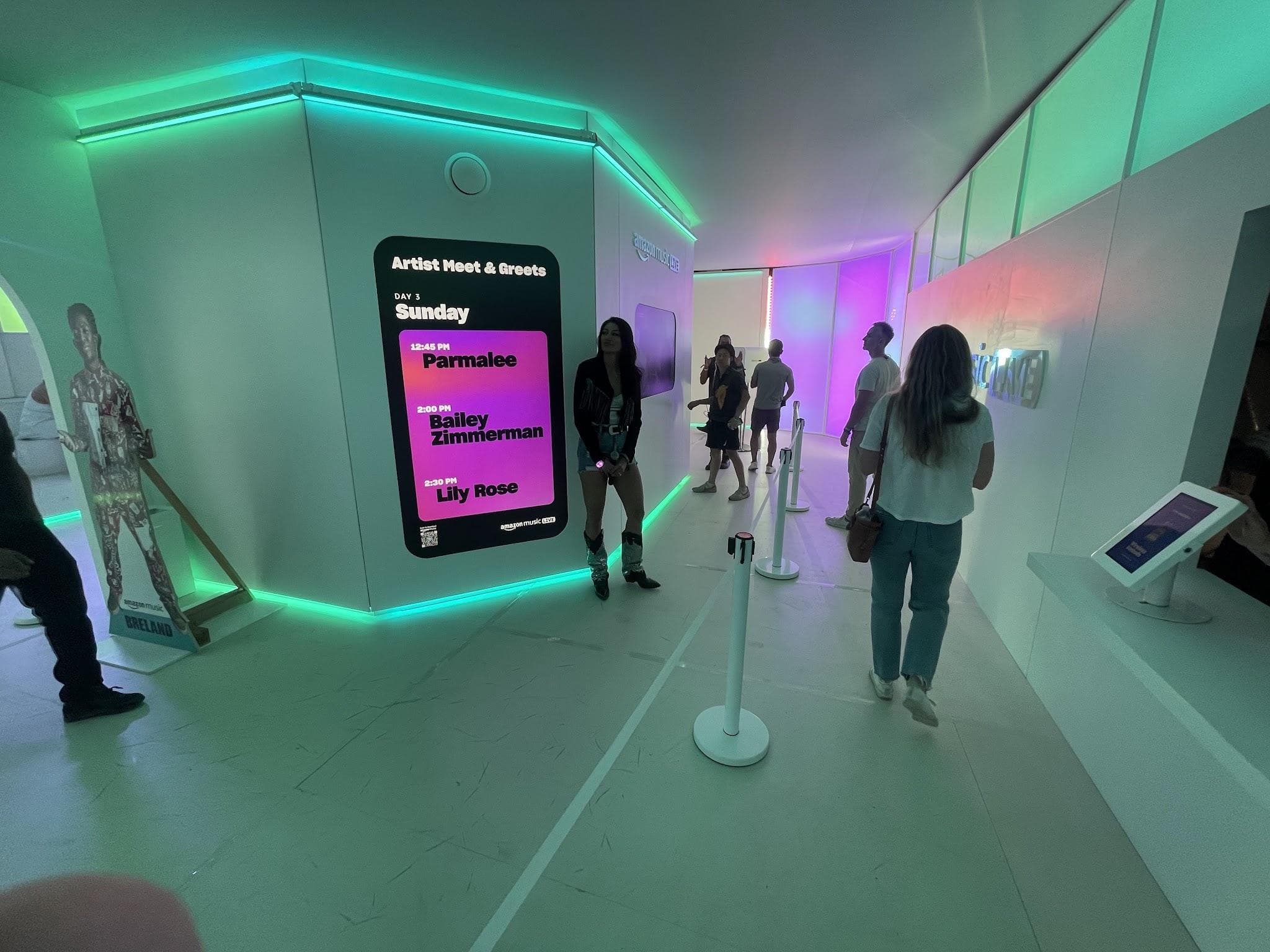
We design the complete interaction layer: UX flows mapped to real guest journeys, interface layouts prototyped in Figma, on-brand visual systems, and the motion, sound, and feedback design that makes interactions feel responsive. Critically, we design for throughput (session lengths, attract loops, and queue behavior) and we test with real people before deployment. Our designers work alongside the engineers building the system, so the UX accounts for sensor accuracy, latency, and hardware limits from the start. At AKU World for AKU + FTX in New York, guests used interactive kiosks to choose their 'Inner Astronaut' and flow through avatar creation: interface design that had to be intuitive enough for a continuous stream of event attendees. For Amazon Music Live's Infinite Playlist Tour at Outside Lands and Stagecoach 2023, we designed interactive touchpoints throughout the festival builds: AR moments, photo moments, and giveaway flows built for high-volume foot traffic. And for the G-MAN Experiential Campaign with Toyota x MTV in Los Angeles, we applied the same guest-first interface thinking to a national experiential campaign.
How We Work
- 01Guest Journey Mapping: We define who interacts, where, and for how long
- 02UX Flows & Wireframes: Interaction paths designed for speed and clarity
- 03Visual & Motion Design: On-brand interfaces prototyped in Figma
- 04Interactive Prototyping: Real builds tested with real users and sensors
- 05Integration: UI married to hardware, sensors, and media systems
- 06On-Site Refinement: Final tuning against real crowd behavior at the event
Why BEATROX
Frequently Asked Questions
How is event UX different from regular app UX?
Event interfaces get seconds of attention from guests who've never seen them before, often in noisy, crowded spaces. We design for zero instruction, fast sessions, and attract loops that pull people in.
Can the interface match our brand guidelines?
Yes. We design within your brand system (typography, color, motion language) so the experience feels like a natural extension of your campaign.
Do you handle the software development too?
We do. Our UI/UX designers work directly with our TouchDesigner and software engineers, so what's designed is exactly what ships, no translation losses between teams.
How do you test interfaces before the event?
We prototype with the actual hardware and sensors, then run usability sessions with people unfamiliar with the project: the same conditions your guests will face.
Projects Using This Tech
AKU + FTX
AKU World
A multi-room experiential event bringing a digital universe to life — projection mapping, 3D scanning,…
View project →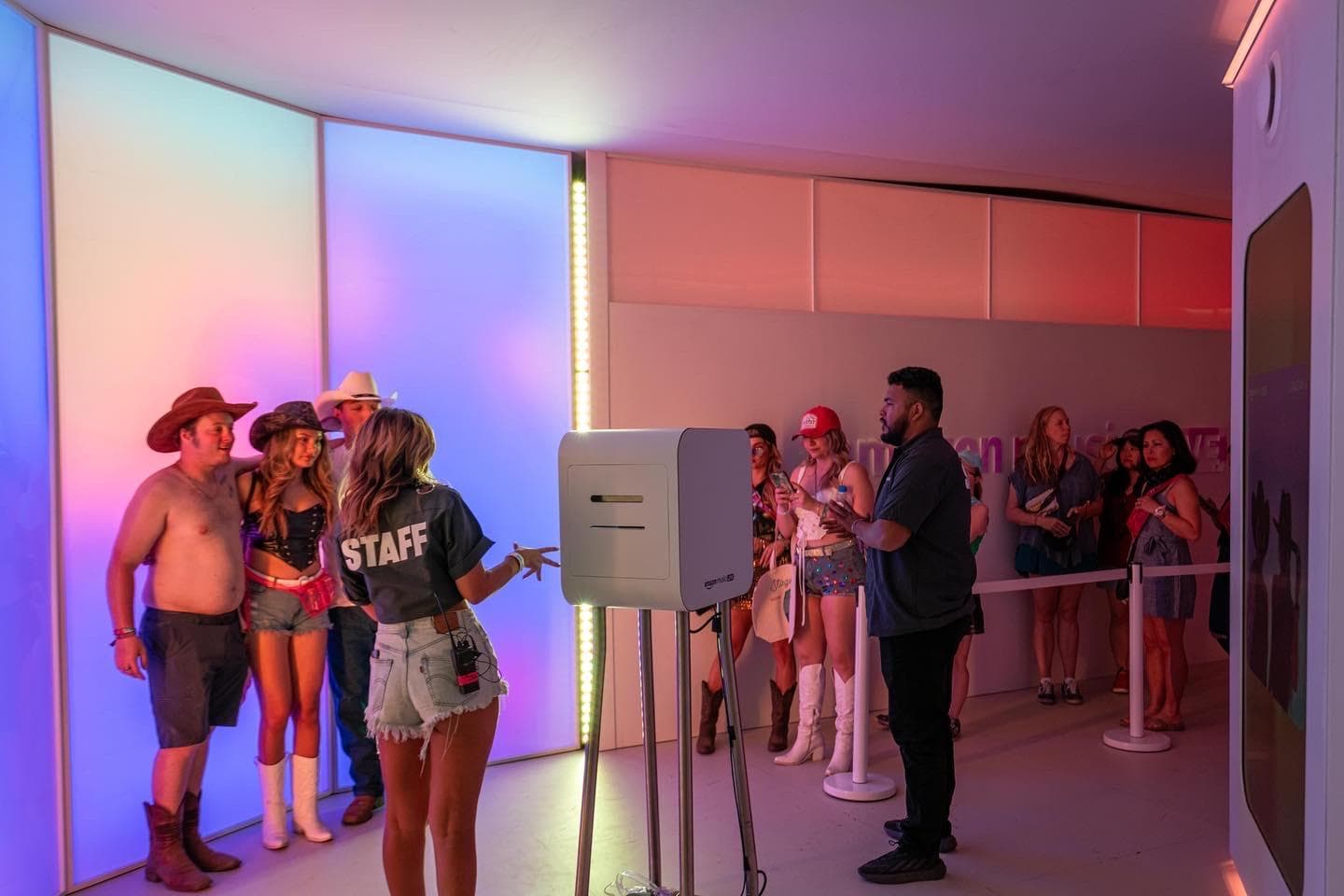
Amazon Music Live
Infinite Playlist Tour
Two unforgettable festival activations for Amazon Music Live — bringing fans unprecedented access to artists…
View project →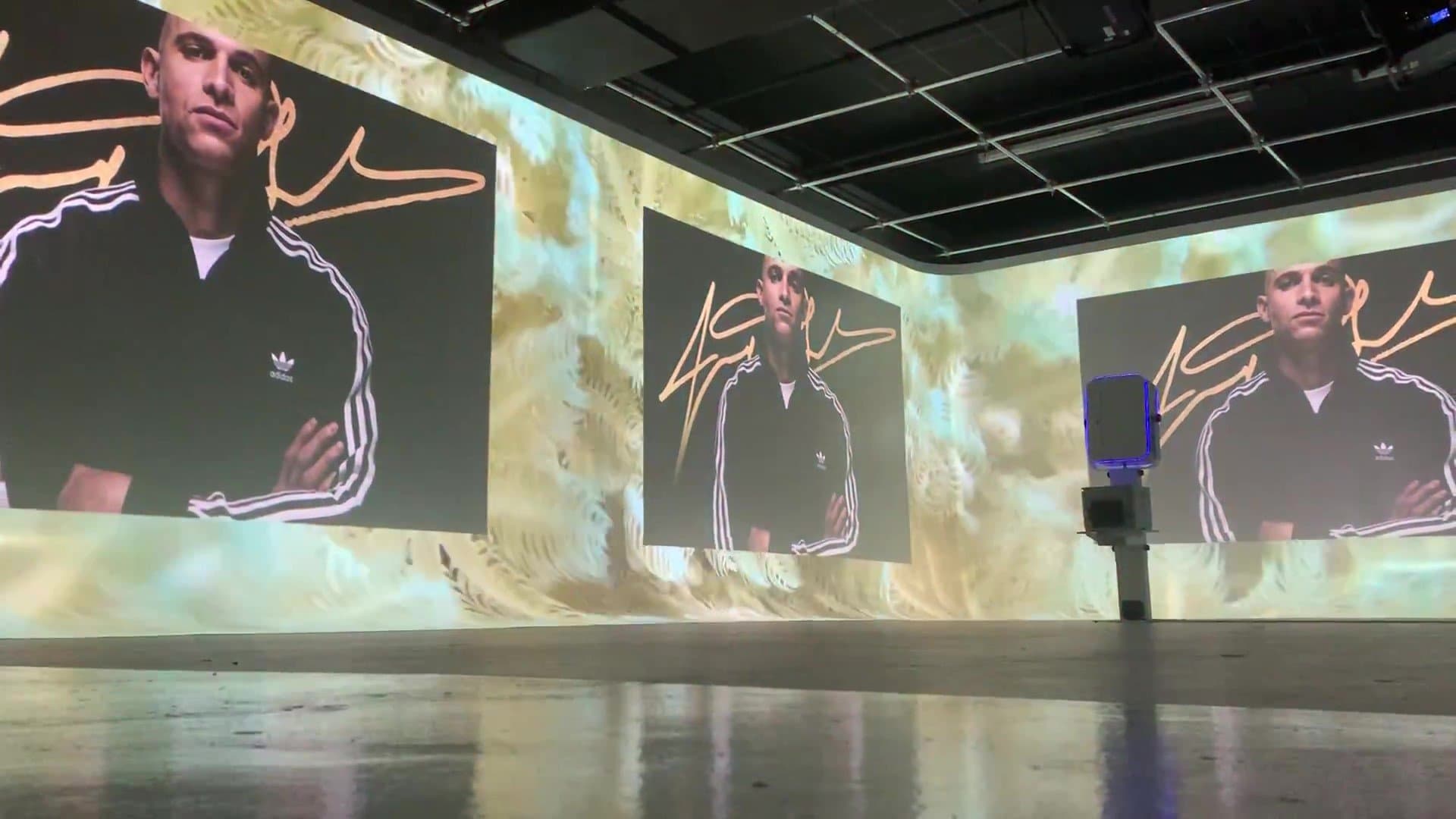
Adidas
Super Bowl 2020
An immersive Adidas VIP headquarters in Miami for Super Bowl weekend — projection mapping, AR mirrors, and…
View project →Related Services
Ready to get started?
Book a discovery call and get professional advice today.